
{{ getFeatureName(action_mode) }} your image

Drop your image here.
Our popular AI tools
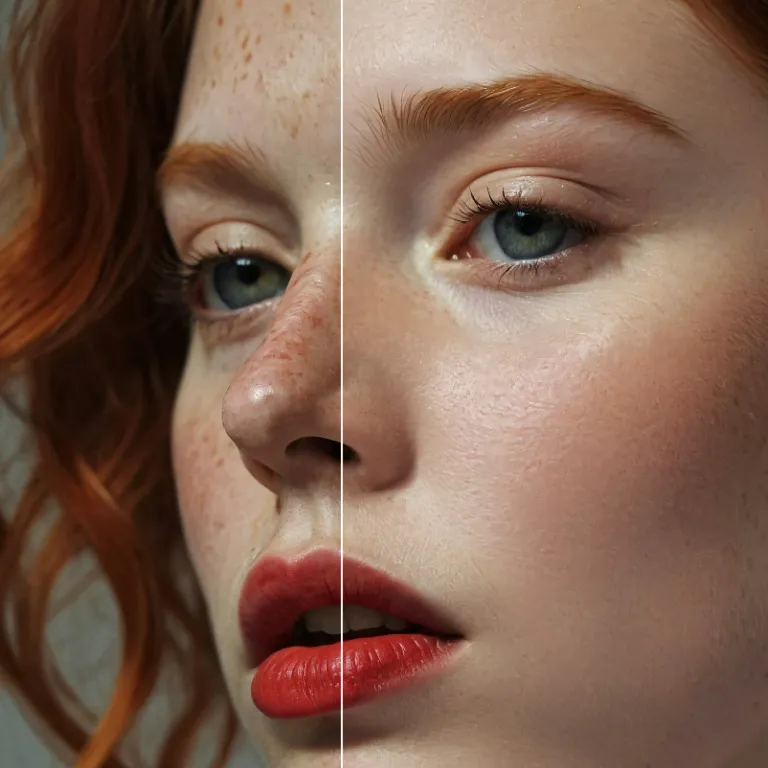
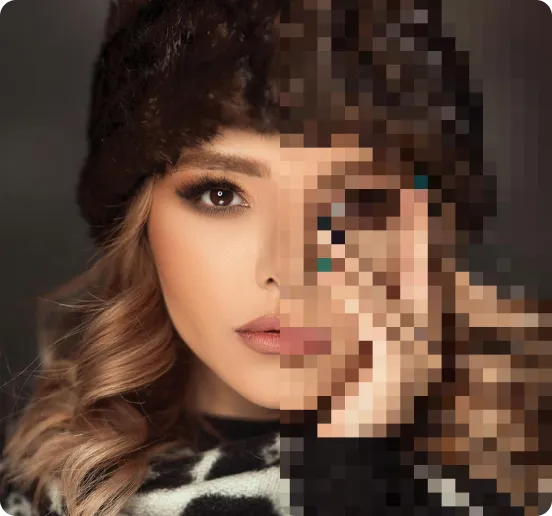
Enhance Photo
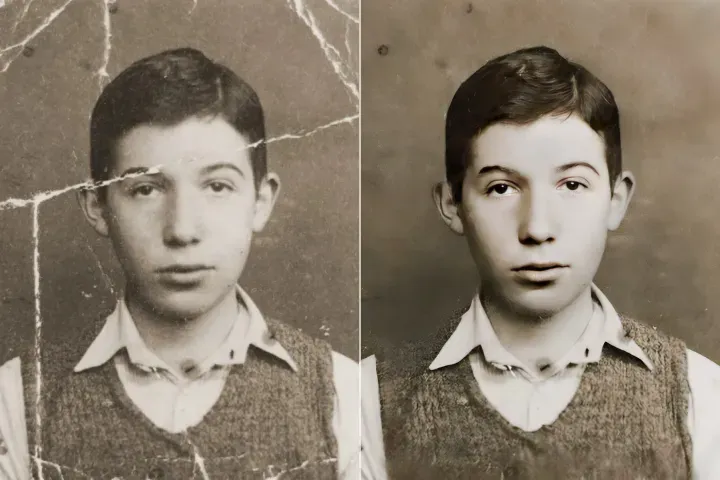
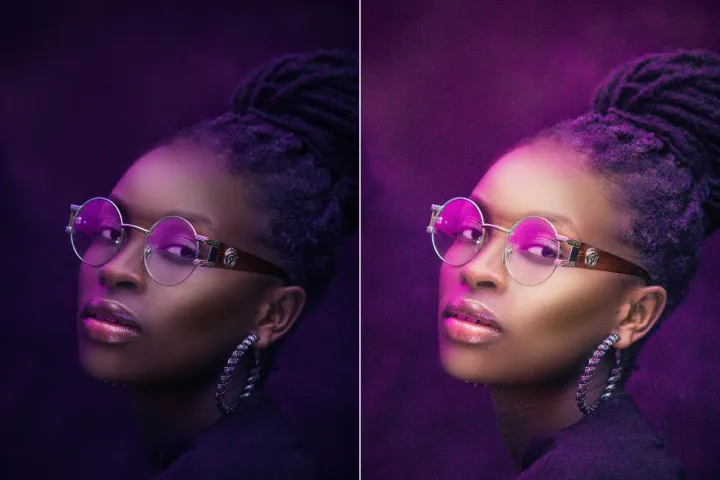
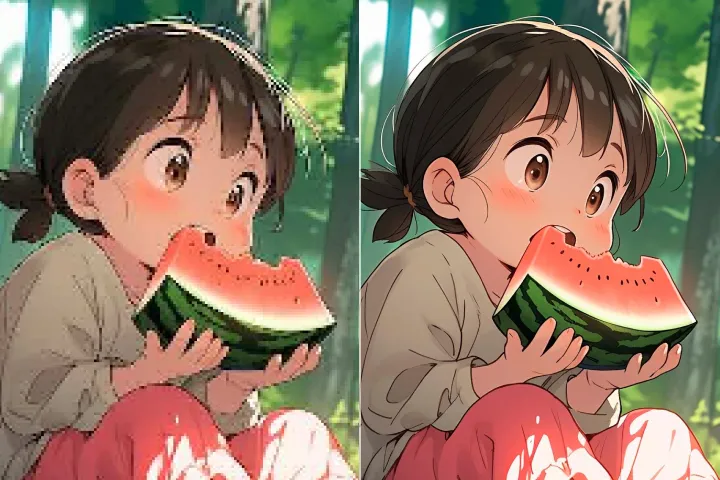
Automatically enhance the blurry photo's resolution and increase the overall quality.
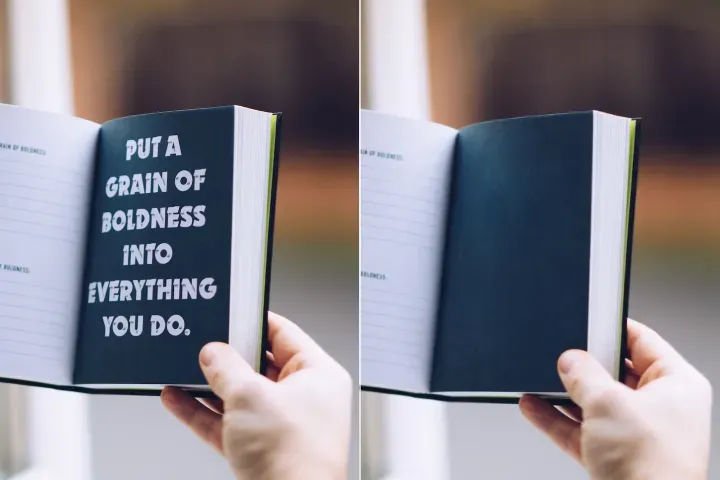
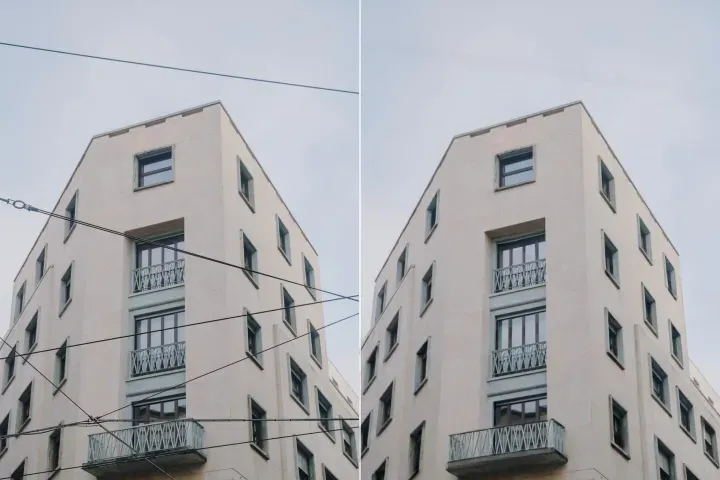
Remove Objects
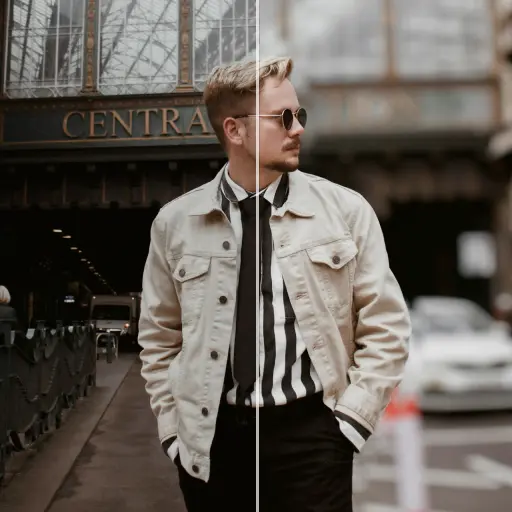
AIPhotor's One-Touch AI simply detects and removes unwanted details in your picture.
Remove Background
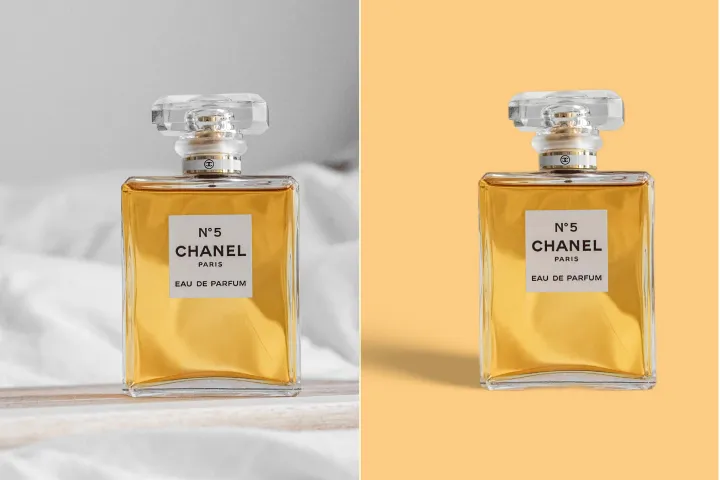
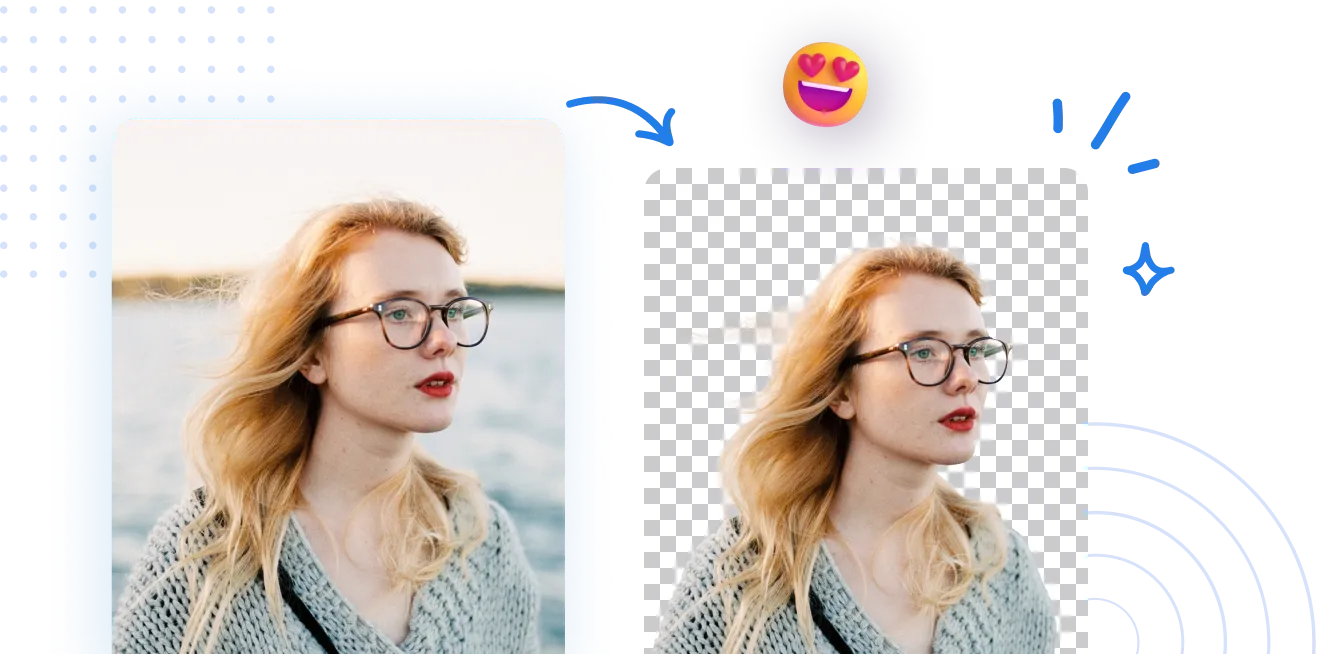
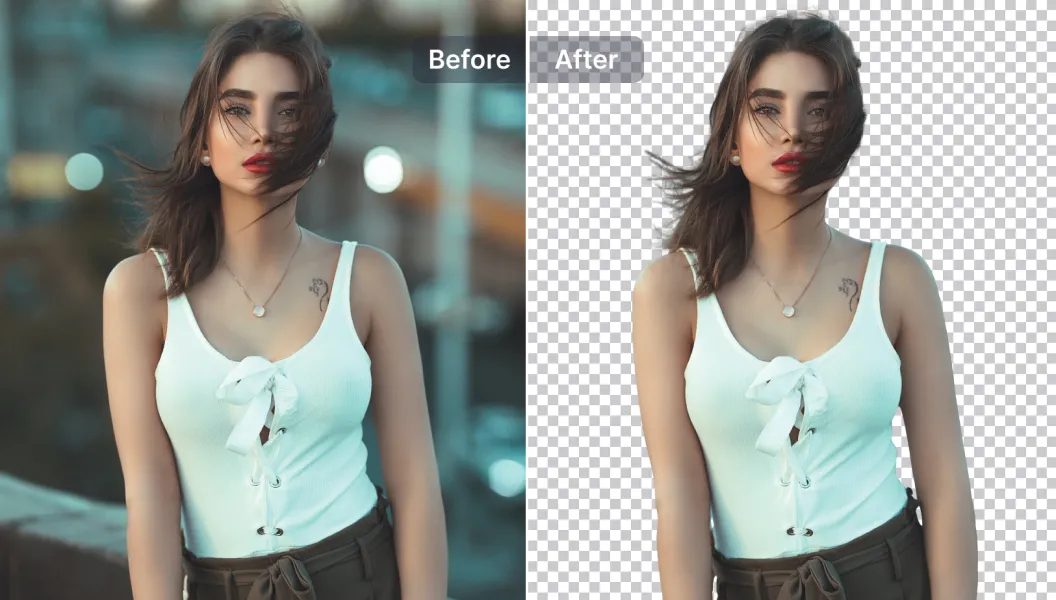
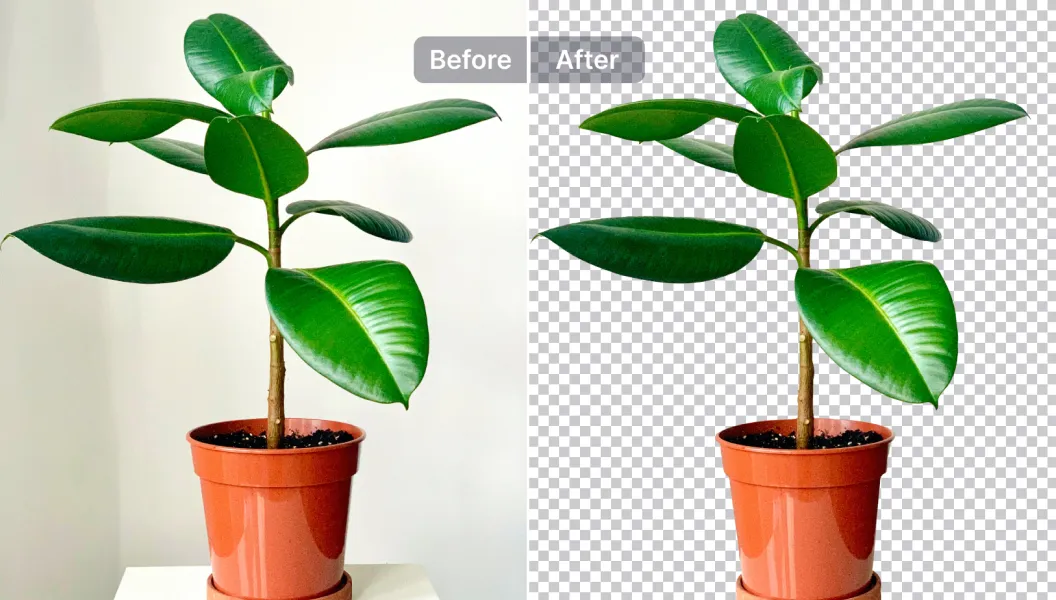
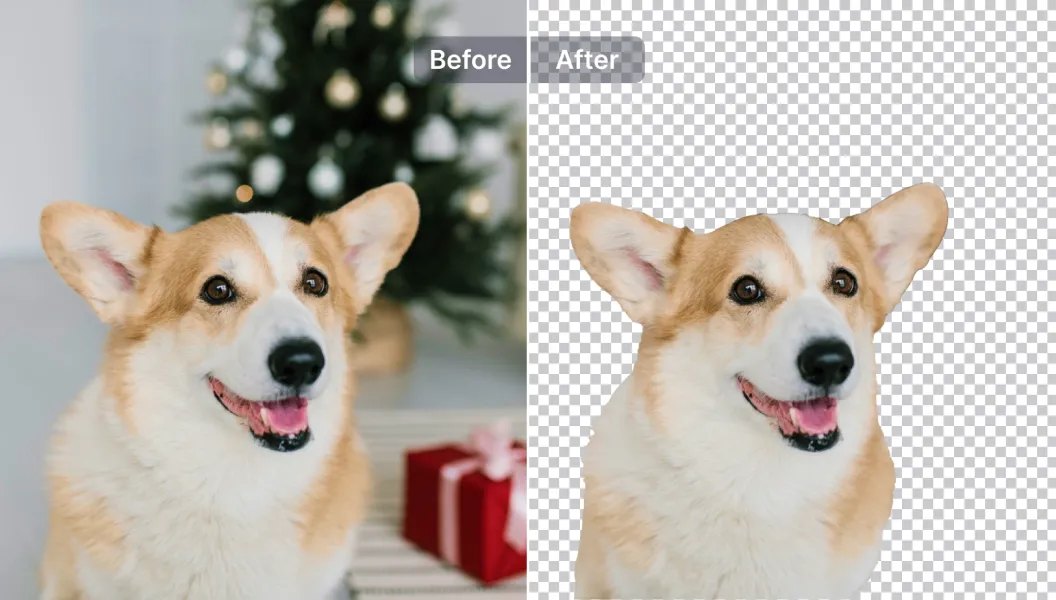
Seamlessly remove background from photos. Edit background with 100+ well-designed templates.
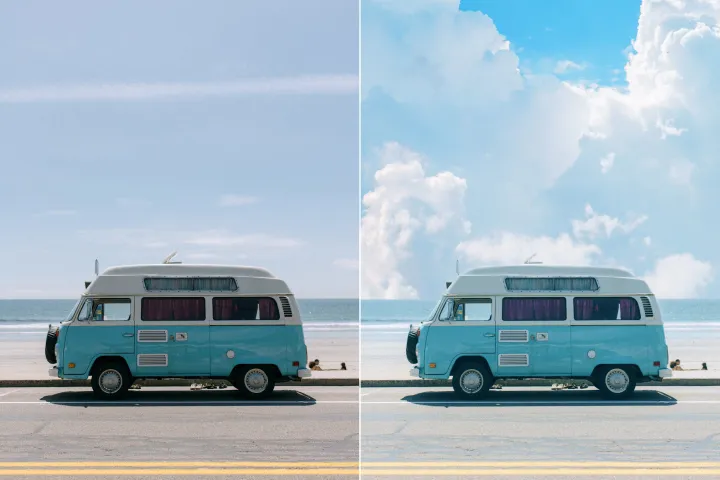
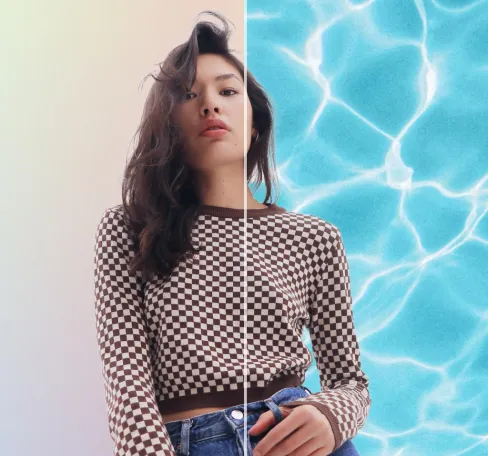
图像背景移除器
借助 AI
体验 VIP 级别的背景移除,质量高、专业级、快速高效,并且安全可信。使用 AIPhotor,几次点击即可自由编辑、改变背景颜色、添加图形或更换背景。
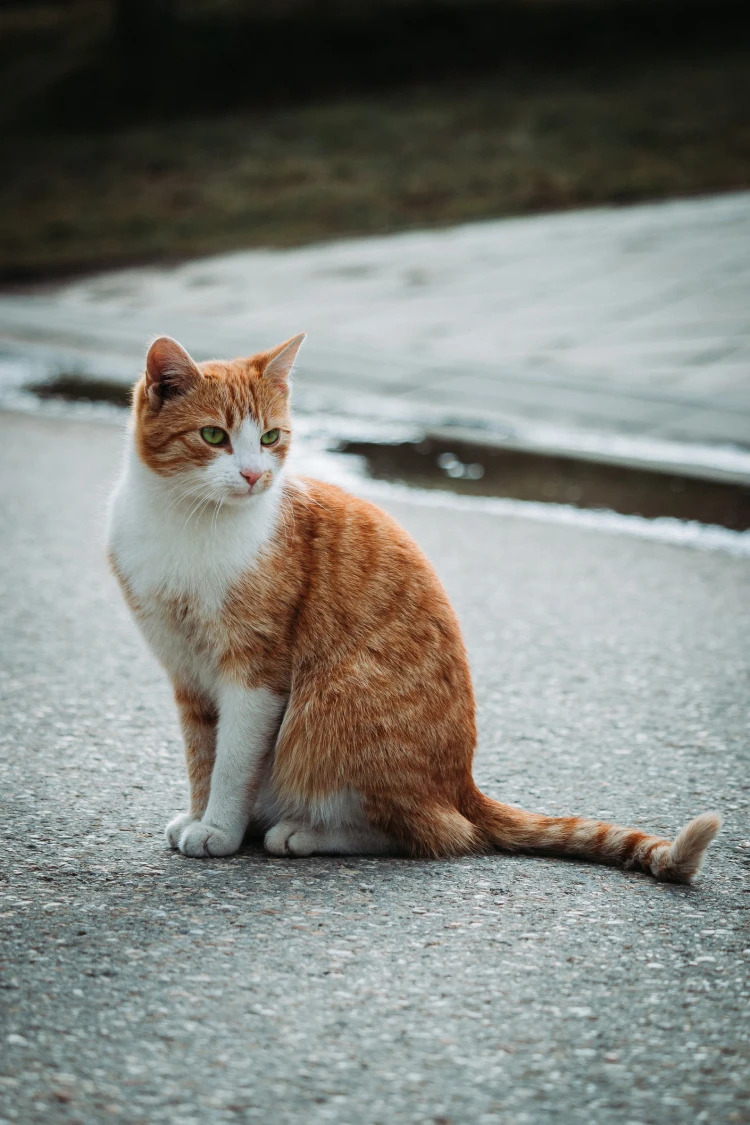
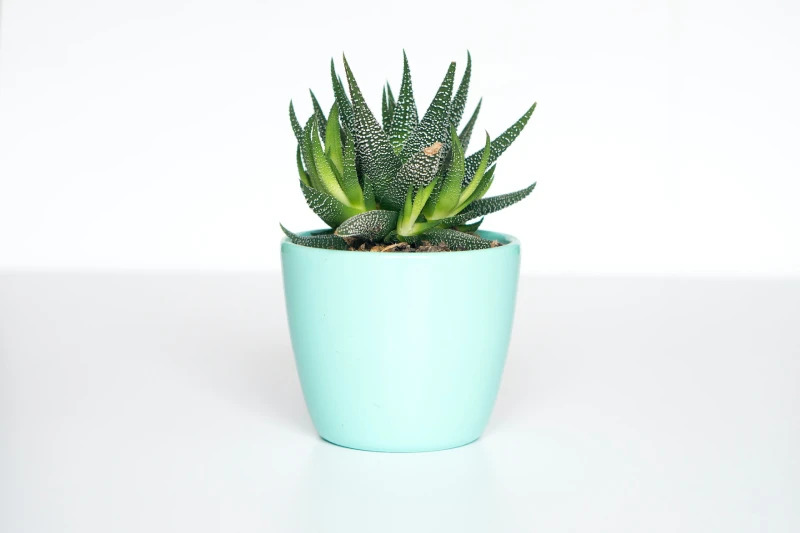
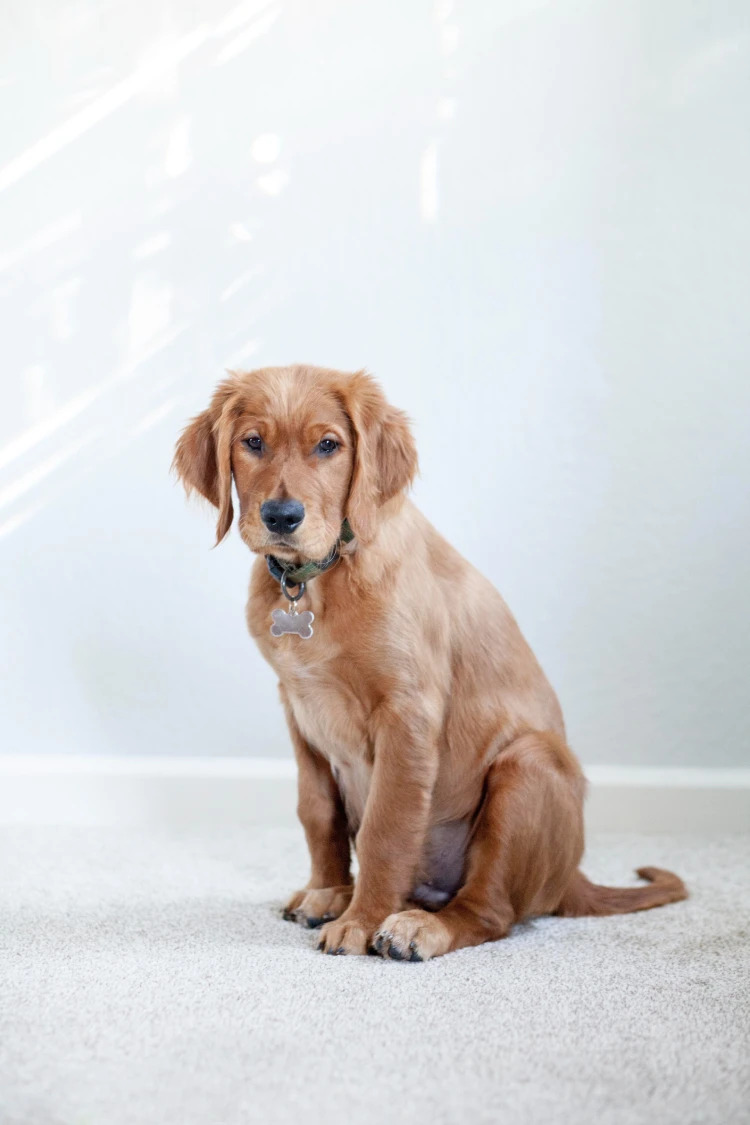
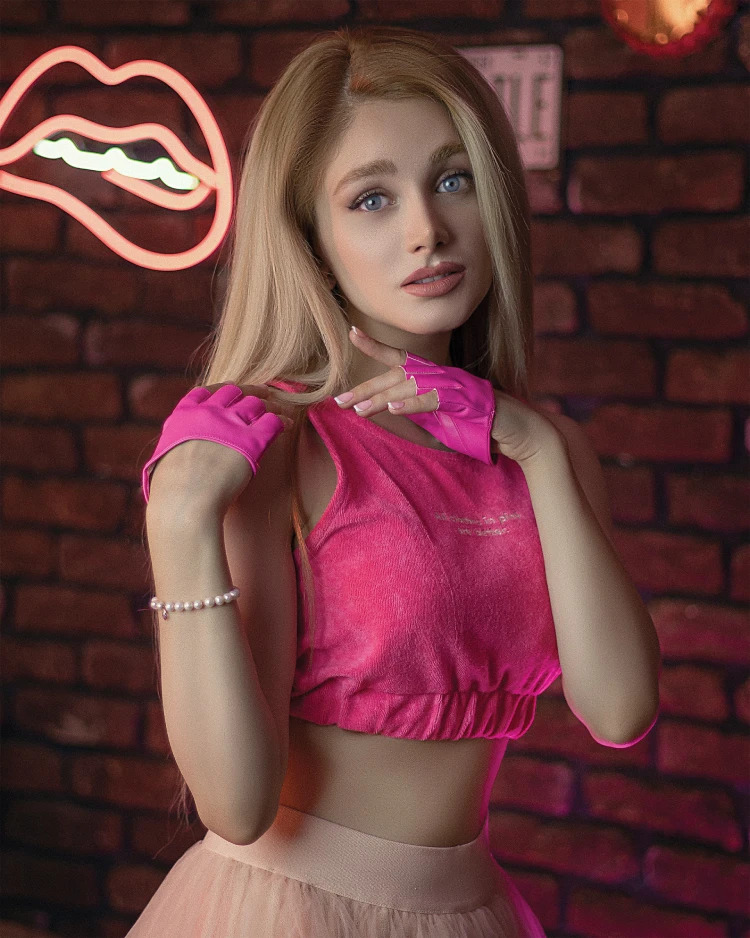
如何移除照片背景?
通过 AIPhotor 的背景移除功能,在三个简单步骤中体验 VIP、高质量的工作流程。首先,打开背景移除功能并按照引导说明进行操作。
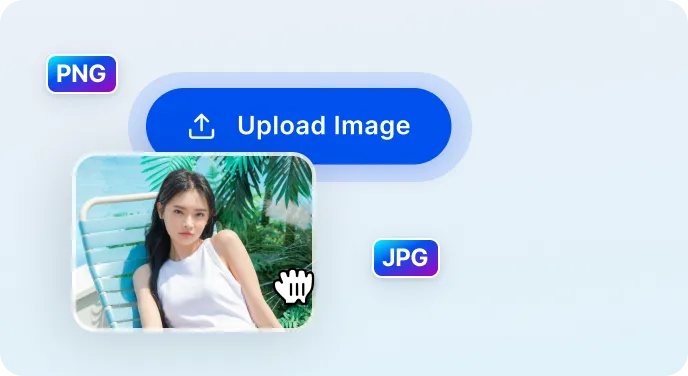
1 上传图片
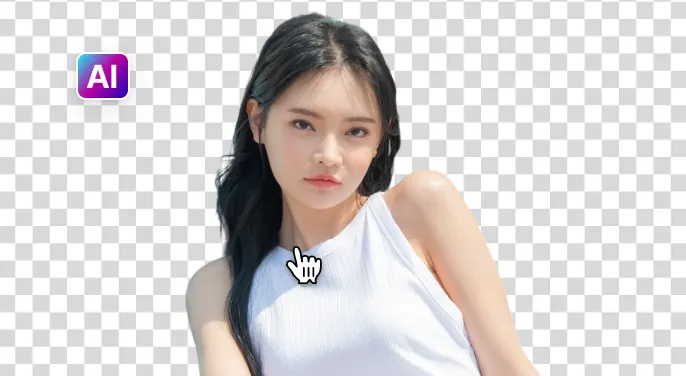
2 等待 AI 去除背景

3 下载图片

Free to Try
AIPhotor is free to try for 3 days, after which you can subscribe to one of our incredible value plans.

Free to Try
We automatically sharpen and transform your images with AI to create multiple final looks. But you can also adjust and add a prompt to customize the results. Choose what works best for you!

Quick & Easy
Screen, edit, resize and download your photos lightning fast.

Compatible with all devices
AIPhotor is available on the iOS and Android stores. Our app works seamlessly across mobile, desktop, and tablet devices.
Frequently Asked Questions
-
What is AIPhotor Photo Editor?

 AIPhotor is a visual online photo editing website that leverages AI technology to help automatically remove objects/people from images; retouch, enhance, colorize, correct, cartoonize, and animate photos in a snap, replacing other photo editing tools Photoshop, Pixlr editor, or Photopea.
Or just drag & drop image here, upto 50 images at once
Or just drag & drop image here, upto 50 images at once
Frequently Asked Questions
-
What is AIPhotor Photo Editor?
AIPhotor is a visual online photo editing website that leverages AI technology to help automatically remove objects/people from images; retouch, enhance, colorize, correct, cartoonize, and animate photos in a snap, replacing other photo editing tools Photoshop, Pixlr editor, or Photopea.